 COME
COMECOME Game History and browser download history
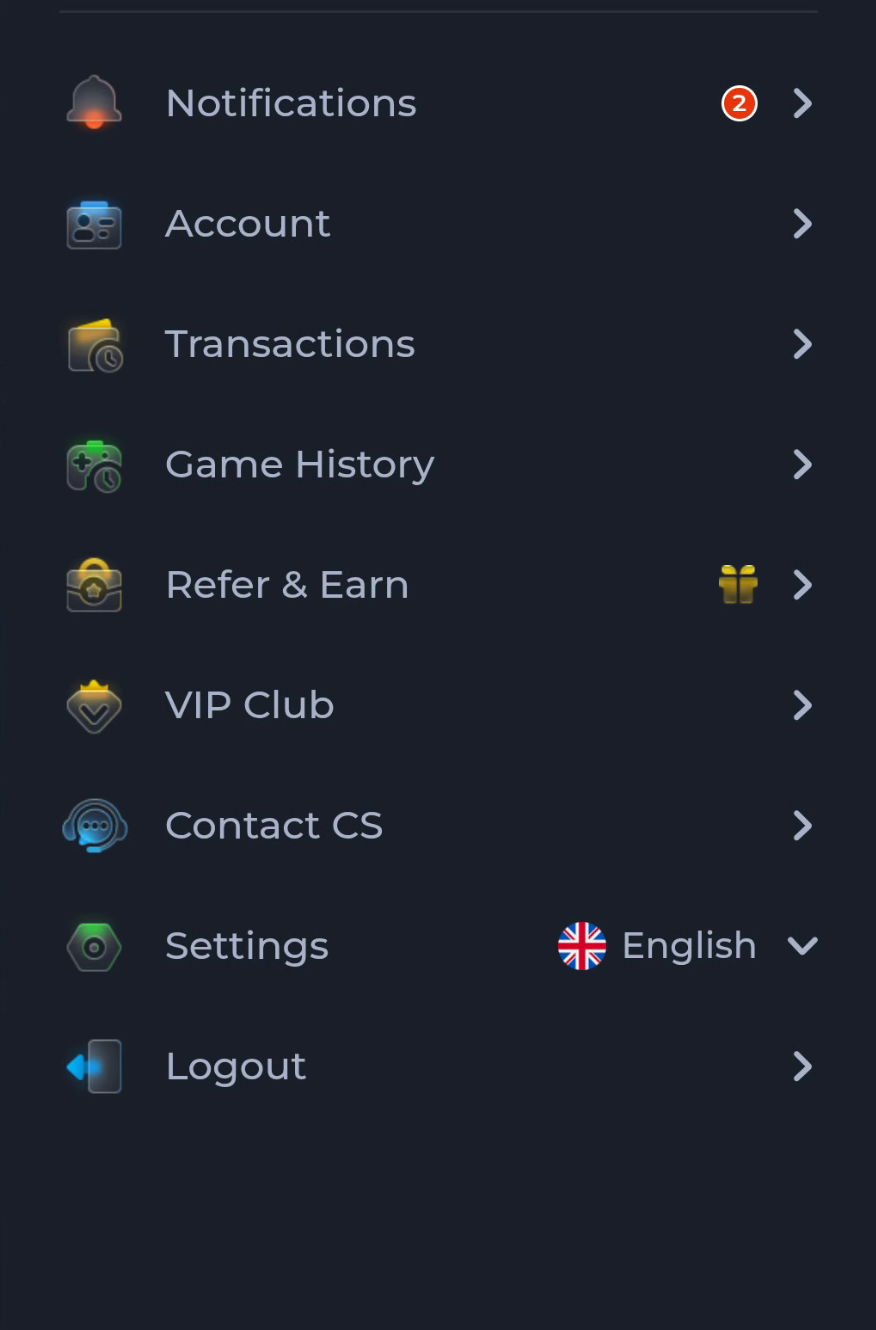
Game History is an app-menu item. Browser download history records file transfers. They describe different activity and should not be used interchangeably.
Read the context
The COME account menu places Game History separately from Transactions and Settings. A browser's Downloads view instead shows files and transfer states. An APK you saved should be investigated in the latter context.
Ask the right question
For an installation problem, note the file source, transfer state and Android message. For an in-service activity question, use the relevant account history and current help route. A missing item in one list does not prove the other list is wrong.
Preserve useful details
Do not clear browser history or app data before collecting information needed for a support request. Record only the relevant time and error, and redact private account data. A screenshot should show the problem without exposing secrets.
A useful next step
Return to the history view that actually owns the event you are trying to understand.